
Computing
Meet the Computing Lead

Hello, I’m Mr. Sefton, and I’m proud to be the Computing Lead at our school. I’ve always believed that computing is one of the most exciting and empowering subjects a young person can learn. Technology shapes the world around us, and helping students understand it - not just use it - feels incredibly important.
I enjoy teaching computing because it brings together creativity, problem‑solving, and the thrill of seeing ideas come to life. Whether students are designing a game, learning to code, exploring digital media, or understanding how computers really work, there’s always that moment where something “clicks”.
My goal is to make computing engaging, accessible, and inspiring for every student. I want them to leave Computing lessons not only with skills for the future, but with confidence, curiosity, and a sense of pride in what they can create.
Intent and Vision
At Joseph Turner Primary School, computing is taught through a high‑quality, broad curriculum that develops children’s problem‑solving and computational thinking skills. Pupils learn how computers and systems work, how programs are created, and how technology supports learning across the curriculum through hands‑on use of a wide range of devices.
By the time they leave the school, children gain knowledge across all three strands of computing:
- Computer Science – programming and understanding digital systems
- Information Technology – creating, storing, and retrieving digital content
- Digital Literacy – evaluating digital information and using technology safely and responsibly
Online safety is a priority across the school. Staff receive regular training and ensure pupils develop the understanding and skills needed to stay safe online through high‑quality teaching and regular discussion. In our school, children learn how digital skills connect to our local community in Tipton, including how we use social media safely and responsibly to share news, celebrate achievements, and stay connected with the world around us.
Implementation - What is taught and how is it taught?
At Joseph Turner, computing is taught in half termly units. These consist of lessons which are taught weekly for 1 hour. This ensures children are able to rehearse and apply debugging skills to deepen their learning.
Teachers at Joseph Turner Primary School use the Switched On: Computing (SOC) scheme from Boost Learning, which provides high‑quality resources, engaging themes, and opportunities for cross‑curricular learning and assessment.
To support the delivery of a strong computing curriculum, the school has invested in a wide range of technology, including six class sets of iPads and a set of laptops, allowing for 1:1 devices in lessons. This variety helps children understand how different devices work and decide which tools are best for different tasks. A broad range of software is also used, with a preference for free applications that pupils can access at home.
The curriculum is organised to ensure balanced coverage of computer science, information technology, and digital literacy. Each half‑term focuses on one strand across the school, helping staff share expertise and ensuring progression of skills year by year.
As pupils move through the school, their understanding deepens and expectations increase in line with national curriculum requirements. For example, Key Stage 1 pupils learn that algorithms are sets of instructions, while Key Stage 2 pupils progress to designing, writing, and debugging programs and explaining the thinking behind their algorithms.
Impact
Joseph Turner Primary School’s approach to computing provides a fun, engaging, and high‑quality learning experience that prepares pupils for an ever‑changing technological world. Children’s progress is evident through Seesaw, where they can share and evaluate their work, as well as in class computing log books and a central digital area that helps them develop skills such as saving and retrieving files.
This evidence supports the teacher assessment cycle, enabling staff to tailor lessons to pupils’ needs, address misconceptions quickly, and ensure all children make strong progress.
The school uses the Rising Stars Switched On Computing scheme to support the structure and delivery of the computing curriculum.
Our computing curriculum is divided into 4 key areas. These are:
Computer Science
Computer Science looks at how things work. We explore coding, creating programs, spotting errors in code and even how some of our favourite games are programmed!
Digital Literacy
Digital literacy is how we communicate using technology. Whether we are sending an email or creating a PowerPoint, we are communicating ideas in different ways. We look at what the Internet is and how search engines work to give us reliable results.
Information Technology
Here we learn about the how the 'office' applications work with text, multimedia presentations and data analysis. We will look at photography, animation and video editing and even how some virtual reality works.
Online Safety
We learn about our responsibility to be role models in the digital world. Our digital footprint is everything we do online and we will develop skills so we can be safe when using technology.
We're very lucky to have a range of devices and technology in school which are used not only in computing but across the curriculum to ensure we understand how technology is an evolving part of everyday tasks.
Use the links below (in What do we learn in Computing) to see what units each year group cover within Computing.
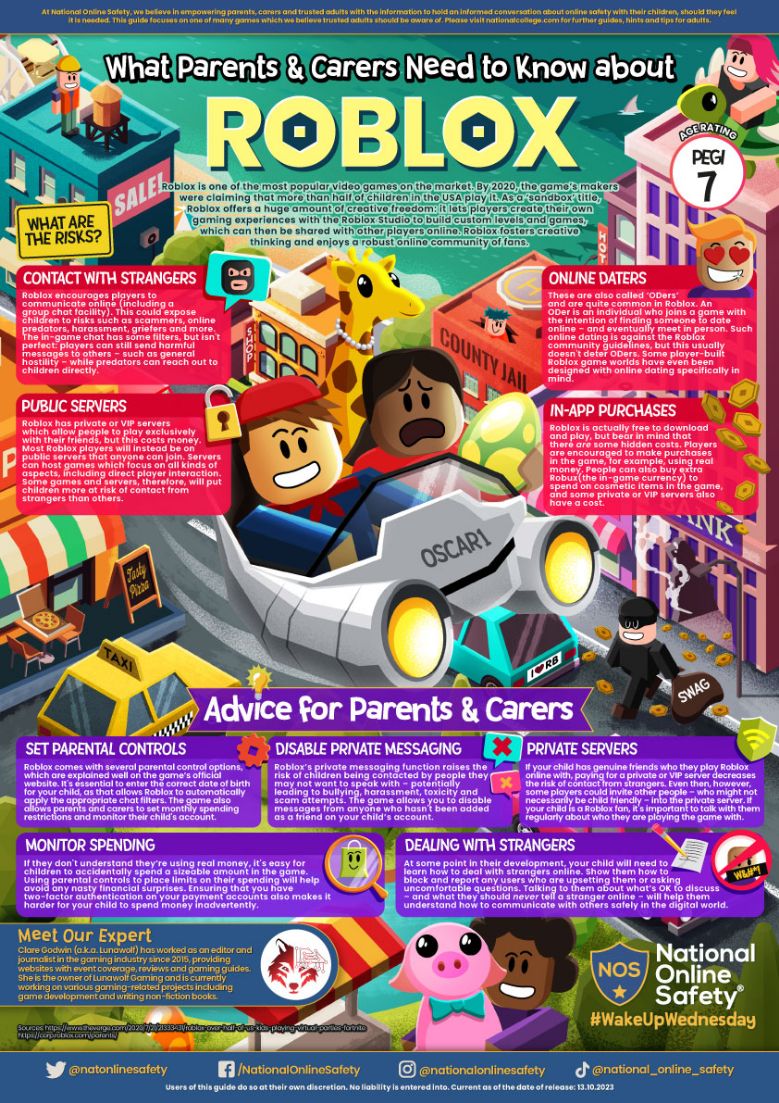
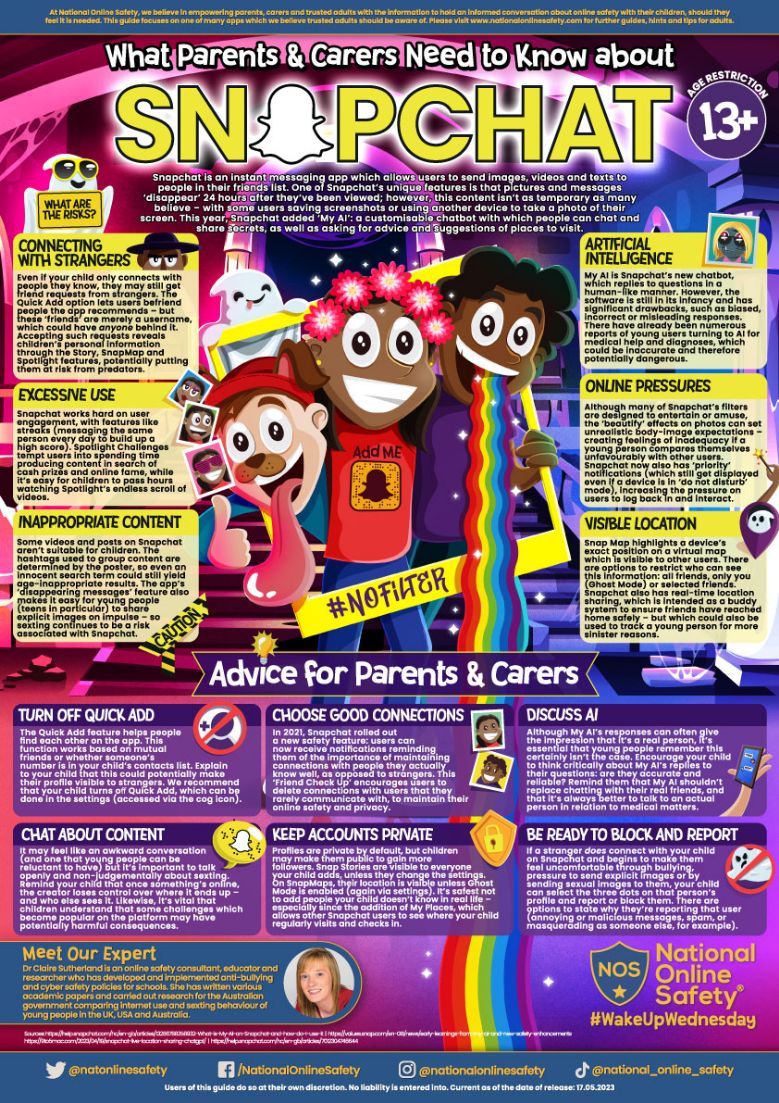
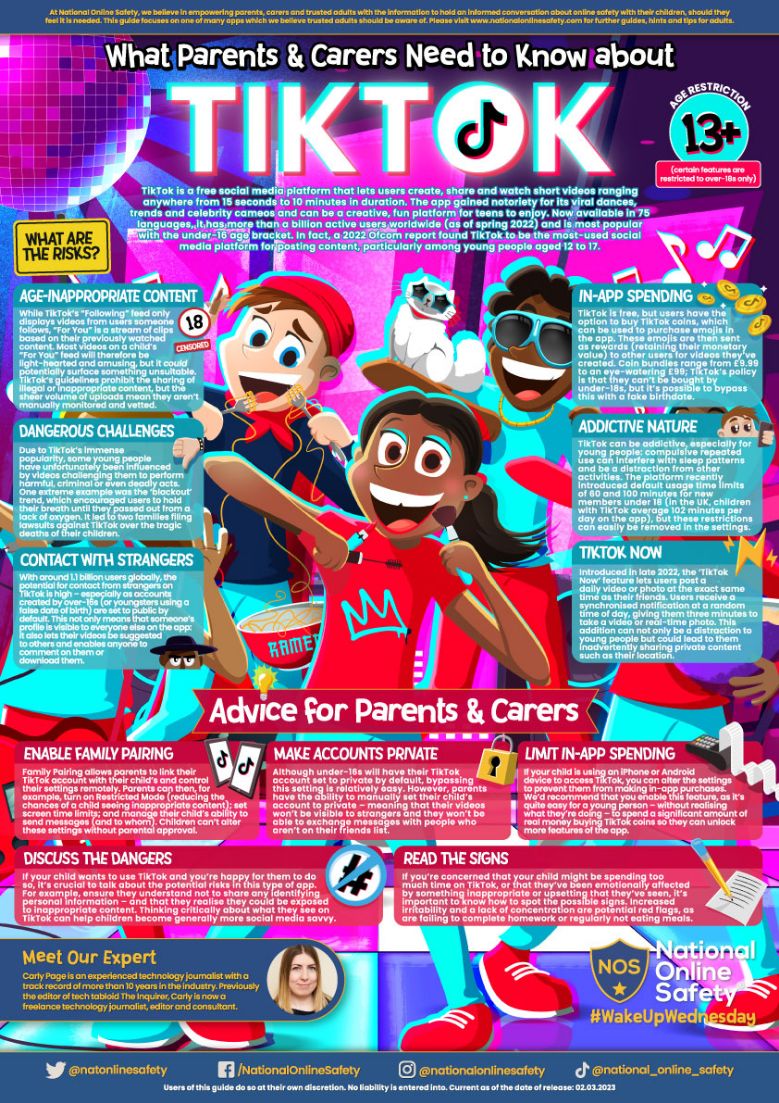
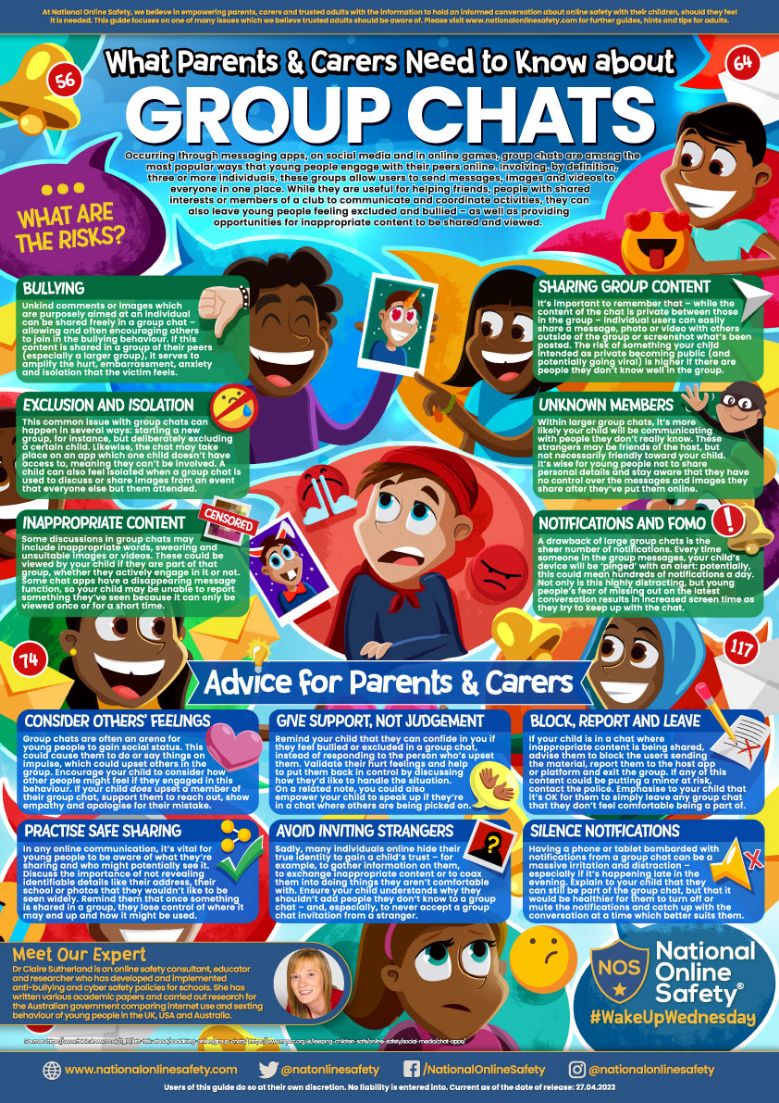
Additionally, please use the links attached below to support keeping your child safe online at home:
Parental Controls on New Devices
Cultural Capital
In computing, pupils develop their cultural capital through spiritual, moral, social and cultural development.
● Spiritual: pupils develop their spirituality through exploring creativity and imagination in the design and construction of digital products. Pupils’ self-esteem is promoted through the presentation of work to others. Pupils explore how ideas in computing have inspired others and they create digital products, which incorporate their own beliefs.
● Moral: pupils develop morally through the encouragement of good etiquette when using digital technology including mobile devices and with due regard to online safety. In Computing, we encourage respect for other’s views and opinions as well as developing respect for the computer equipment pupils’ use and how this affects others. In addition, pupils learn respect in the use of digital equipment and its impact on the environment. Pupils also explore the promotion of moral issues through the use of digital products. Our local neighbourbood PCSO team attend school regularly to speak to pupils about the consequences of poor behaviour online.
● Social: pupils are encouraged to assist one another in problem-solving. In Computing, pupils are encouraged to model appropriate social behaviours in the classroom including listening whilst others are talking and generally interacting as a caring community. We also encourage good practice and respect in the use of social networking.
● Cultural: Encourage the sensible use of digital technology in the classroom given that pupils are currently living in a digital world. We also empower pupils to apply their digital literacy skills and knowledge to the wider curriculum and acknowledge links between subjects such as the use of coordinates in programming and their connections with maths and geography. We also aim to regularly take Upper Key Stage 2 children to local secondary schools to view Computing equipment and how the curriculum progresses through school.
Learning at Home
If your child is interested in Computing and would like to use apps or services at home to broaden their understanding, the links below are a useful place to begin.
https://makecode.microbit.org/
https://sketch.metademolab.com/share/cf1671e5e6f04254b5bb6b12ad4f7ace/wave_hello_3